Use cases
For anyone who has installed af and wants concrete things to do with it. Each
section below is a workflow, shown from the web client and the CLI, with TUI
shortcuts where useful. Start with the web guide for the controls.
Agent Factory is useful when you want coding agents to do real repository work in parallel, but you still want engineering control: isolated files, visible state, scripted operations, and normal review.
Parallel bug fixes
Give each bug its own session. In the web client, click New session, name
the task and enter its prompt, then repeat for the next bug. In the TUI, press
n to open the create form.
fix-login-loopfix-webhook-retryfix-export-timeout
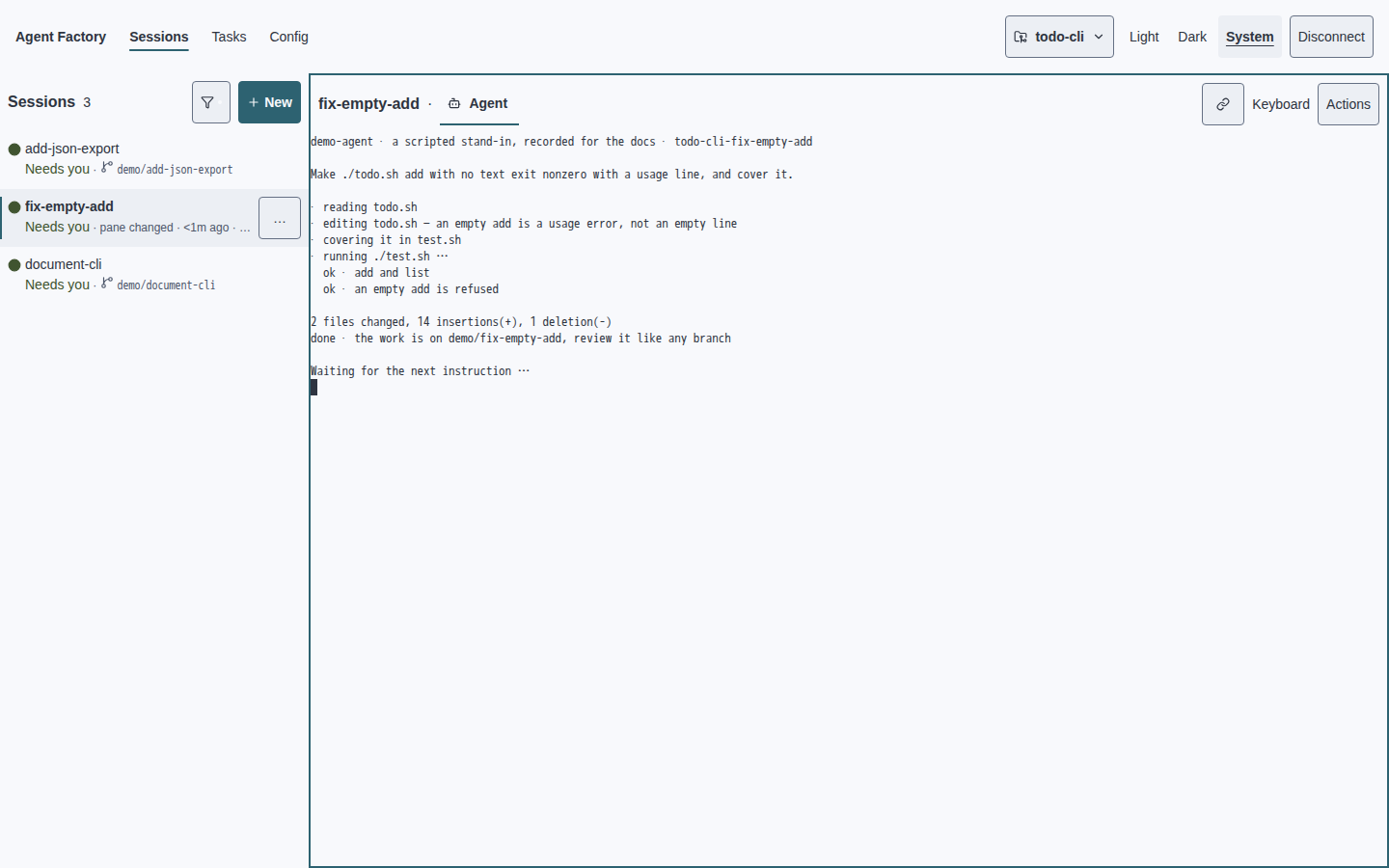
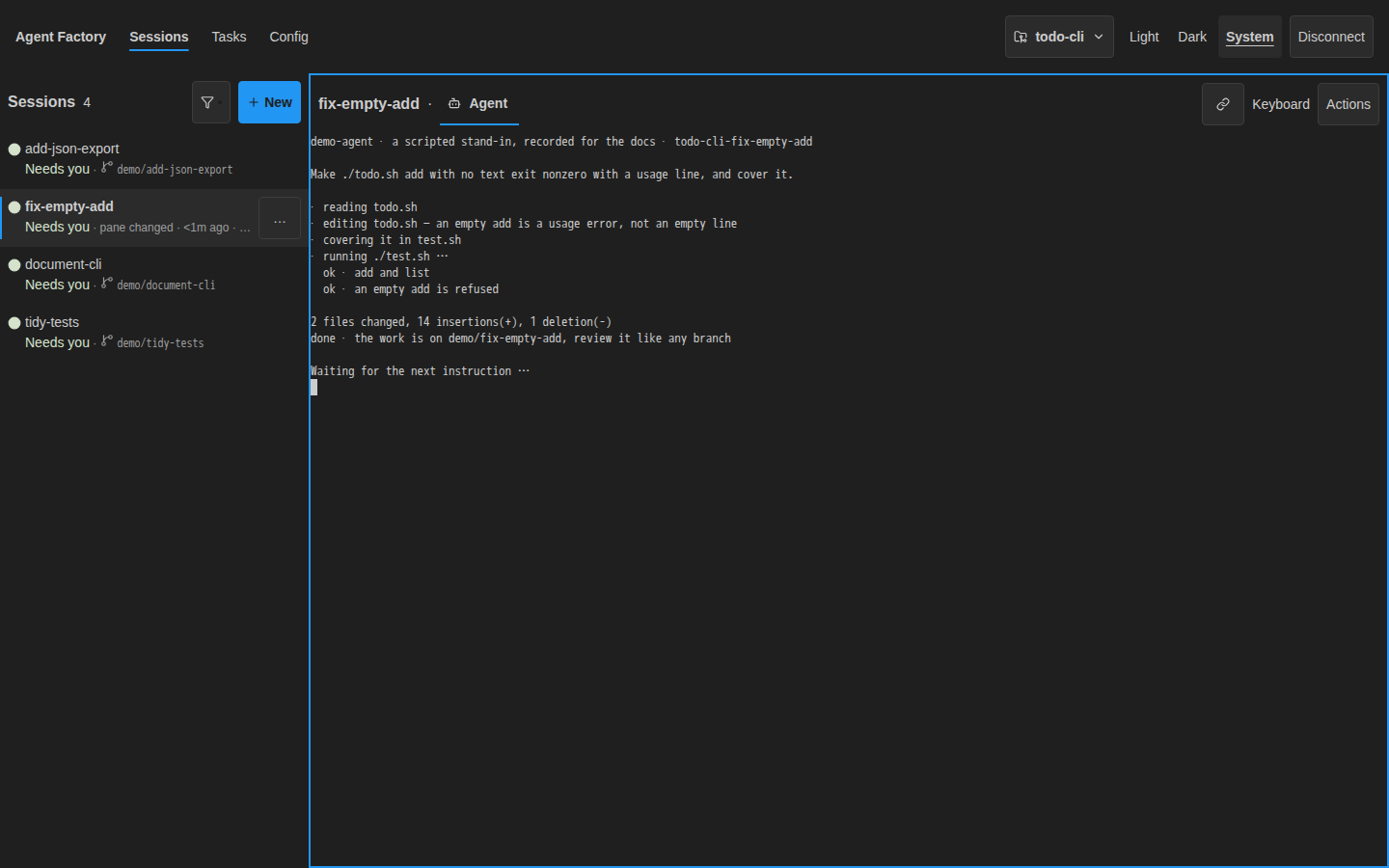
Each agent works in a separate branch and worktree. You can compare the diffs, run tests independently, and merge only the fixes that hold up.
CLI equivalent:
af sessions create --name fix-login-loop --prompt "Fix the login redirect loop"
af sessions create --name fix-webhook-retry --prompt "Fix flaky webhook retries"
af sessions create --name fix-export-timeout --prompt "Fix CSV export timeout"
Competing implementations
For ambiguous work, run multiple approaches at once. Create one session per approach, then use the sidebar and Agent tab to compare how each attempt is progressing.
In the TUI, create the attempts as separate named rows:
search-sql: SQL rankingsearch-index: index-backed search
Then move between the rows to compare agent progress, notes, and terminal output before deciding which branch deserves deeper review.
CLI equivalent:
af sessions create --name search-sql --prompt "Implement search with SQL ranking"
af sessions create --name search-index --prompt "Implement search with an index-backed approach"
Because each attempt is isolated, you can evaluate both without untangling mixed edits in one checkout.
Review and follow-up loops
Agent work rarely ends at the first answer. Use the TUI to inspect status, press Enter to interact with the selected session, then send the follow-up prompt in the pane.
CLI equivalent:
af sessions send-prompt fix-login-loop \
  "The auth middleware test still fails. Reproduce it, fix it, and explain the root cause."
The session keeps its branch, worktree, tabs, and terminal context.
Scheduled triage
In the web client, open Tasks → Add, choose Cron schedule, and fill
in the prompt and schedule. Save the task and leave it enabled for the daemon
to run. In the TUI, press m to open the task manager.
- Name:
Daily issue triage - Trigger:
0 9 * * 1-5 - Delivery: create a fresh session or target a persistent triage session
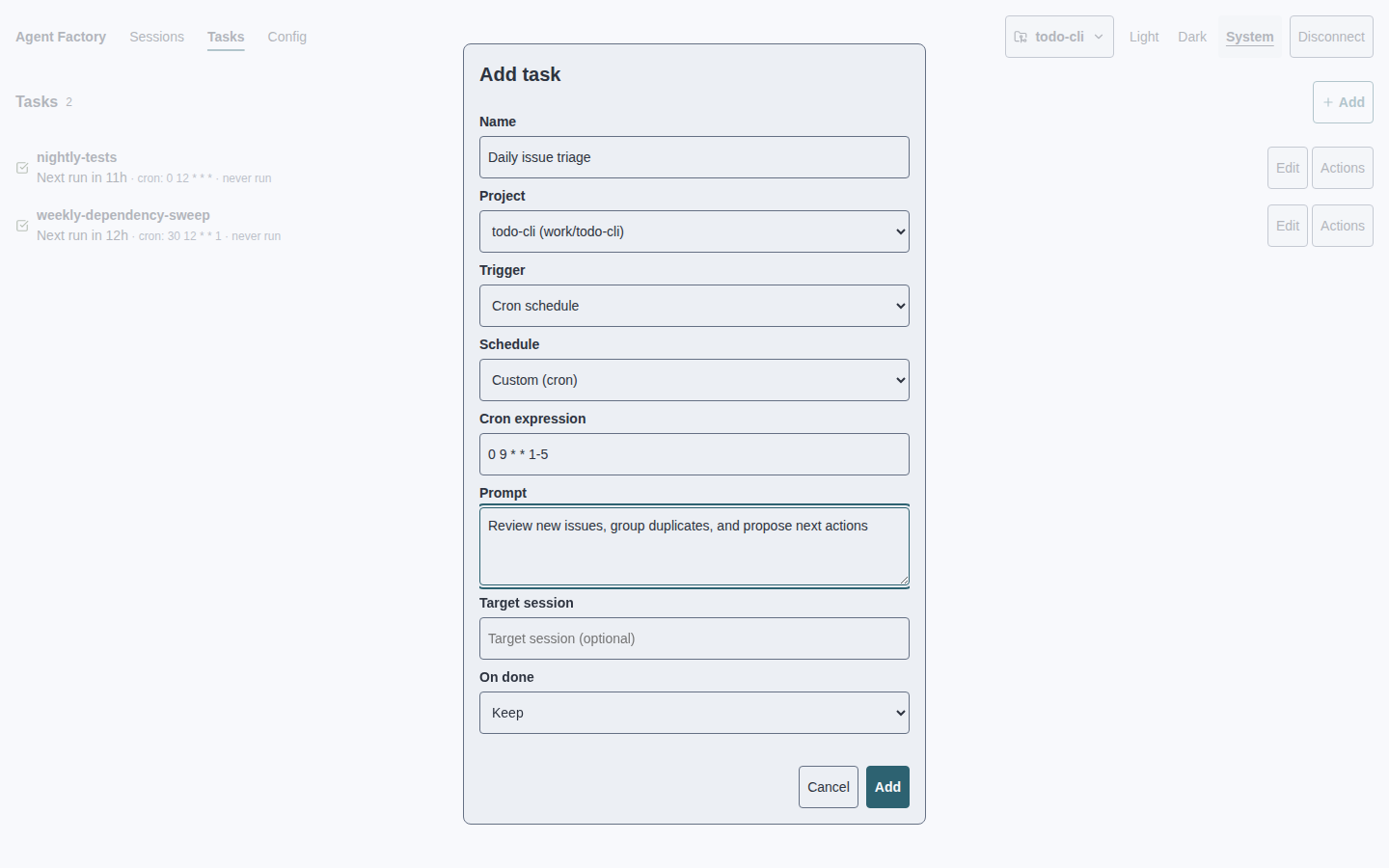
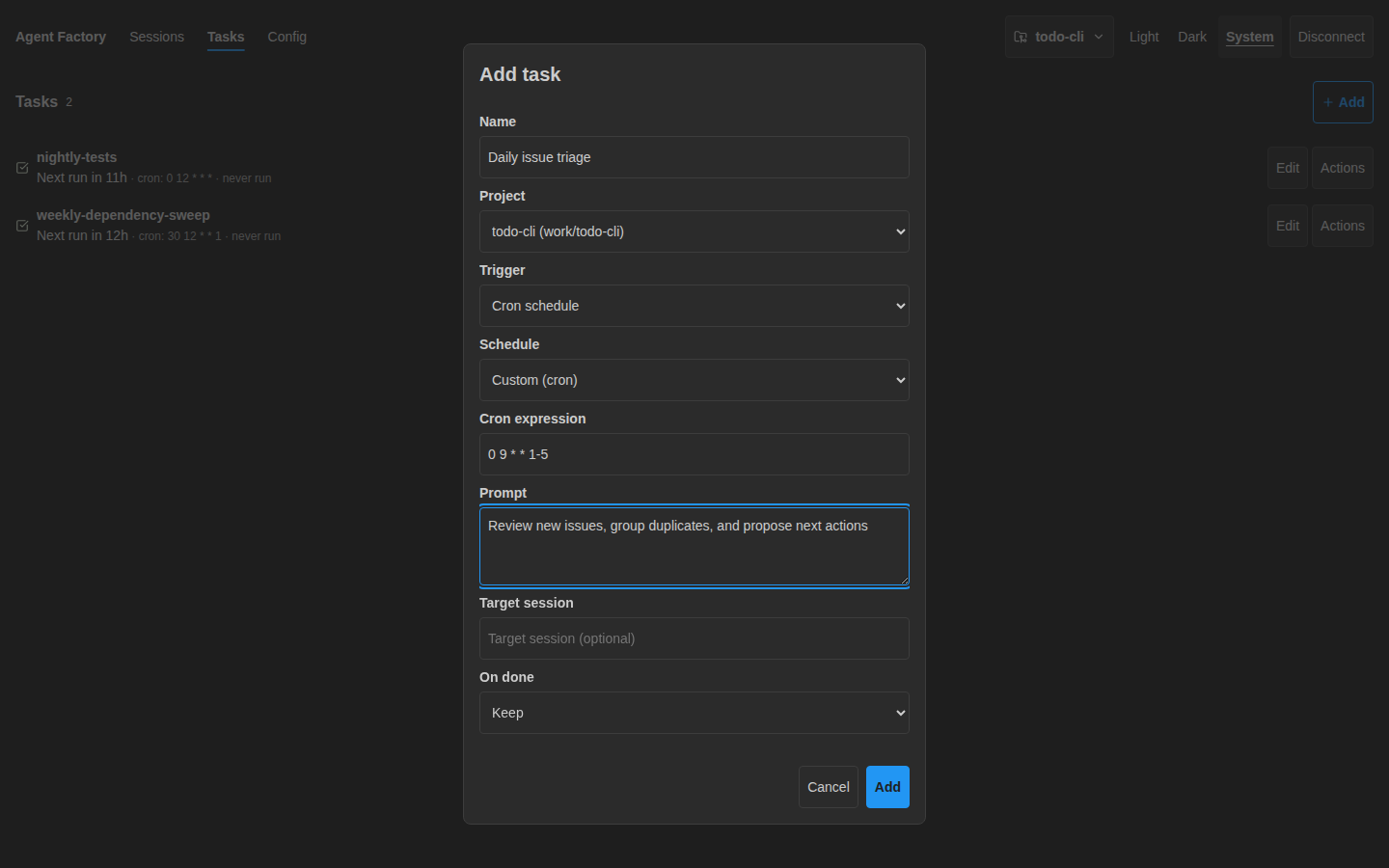
Task runs can create fresh sessions or deliver into a persistent triage session.
CLI equivalent:
af tasks add \
  --name "Daily issue triage" \
  --prompt "Review new issues, group duplicates, and propose next actions" \
  --cron "0 9 * * 1-5"
Event-driven intake
Use watch tasks when another system emits work. In the web client’s Tasks view, click Add, choose Watch command, and point it at the script that emits one event per stdout line.
- Name:
CI failure watcher - Watch command:
./watch-ci-failures.sh - Prompt:
Investigate this CI failure: {{line}}
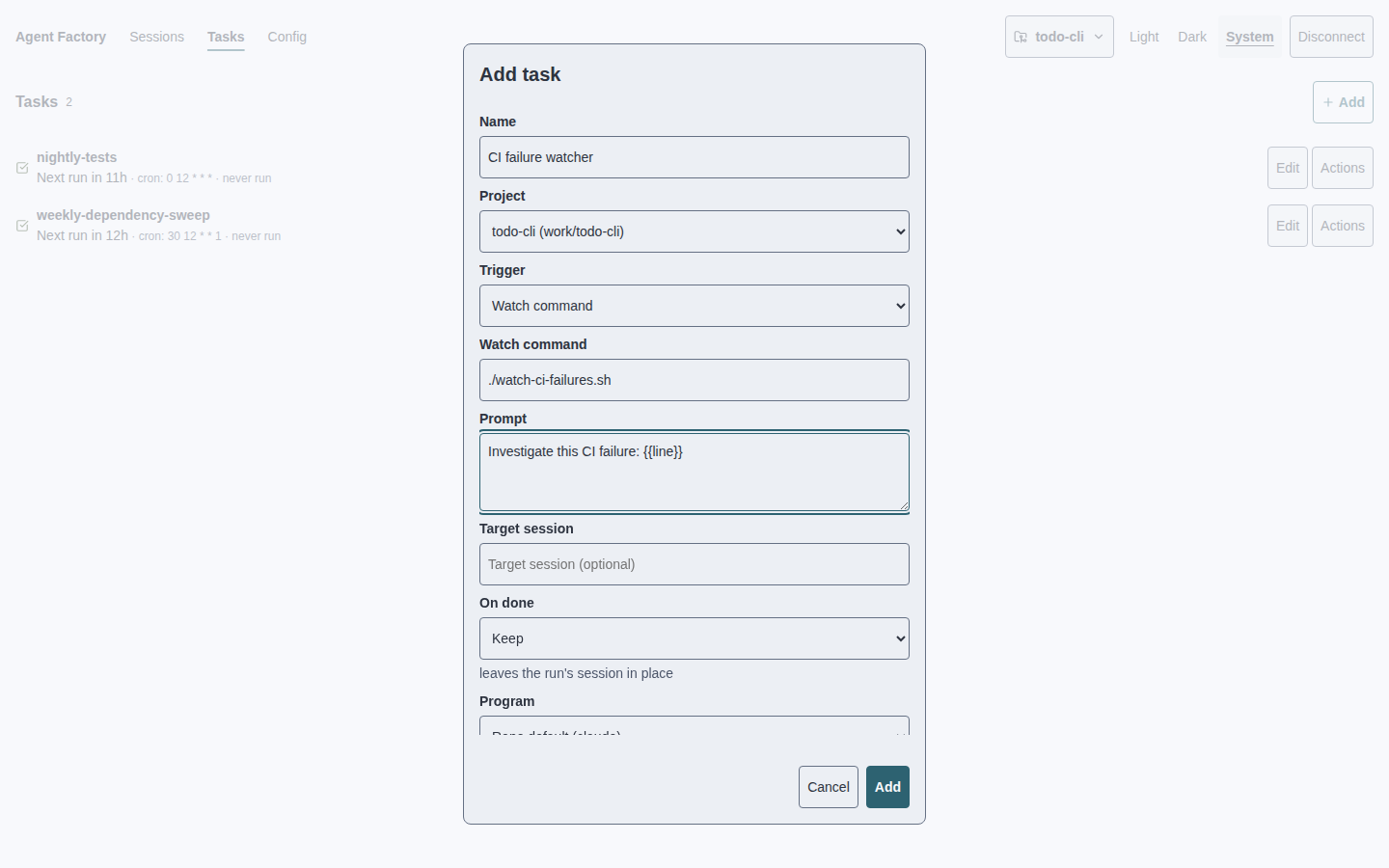
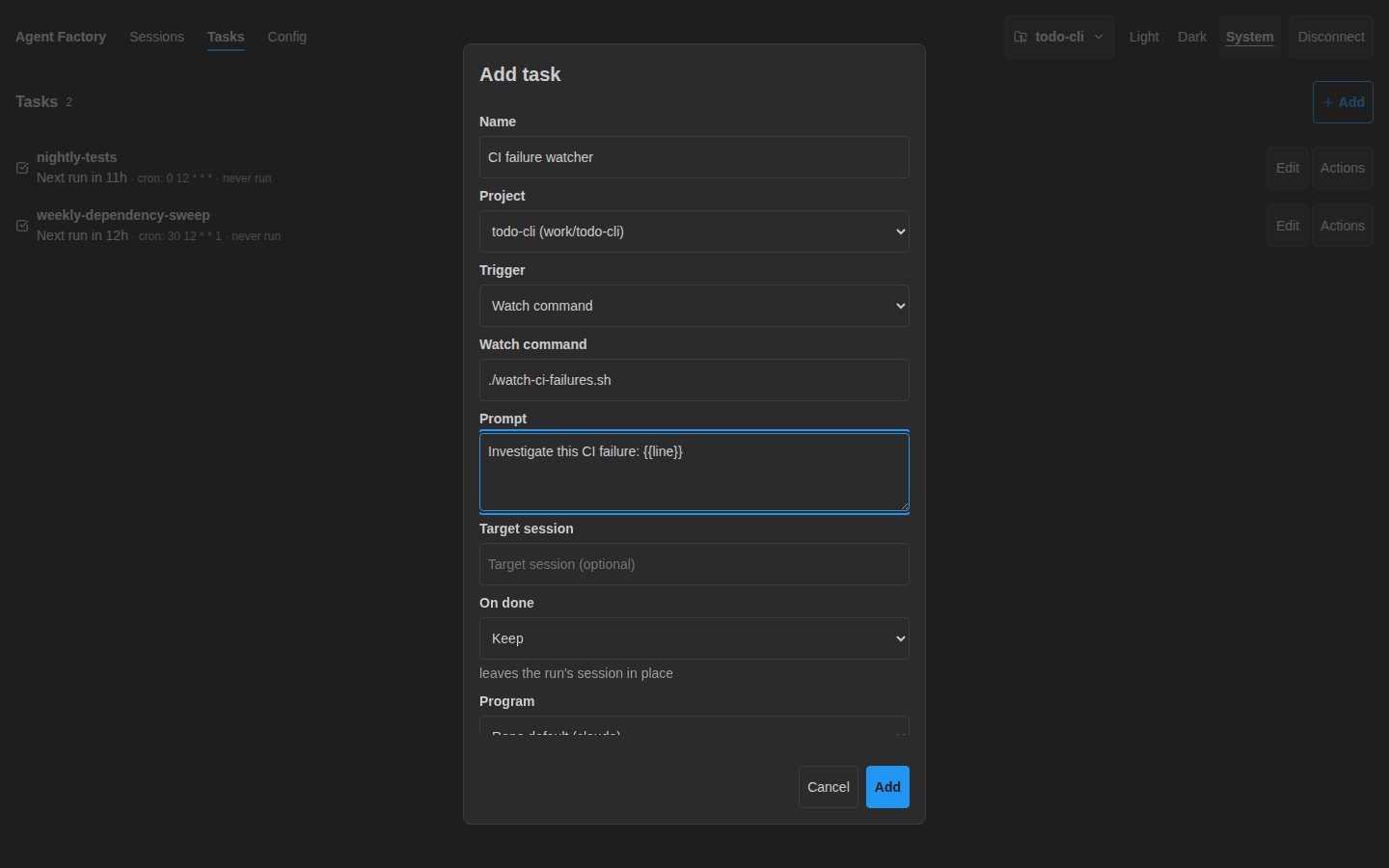
Each stdout line becomes a prompt. The daemon supervises the watcher, logs stderr, rate-limits noisy sources, and replays queued events after temporary delivery failures.
CLI equivalent:
af tasks add \
  --name "CI failure watcher" \
  --watch-cmd "./watch-ci-failures.sh" \
  --prompt "Investigate this CI failure: {{line}}"
Remote machines
Remote hooks let a repo define scripts for provisioning and deleting sessions on another backend. Remote sessions appear in the same TUI, with the same Agent tab and attach flow.
This is useful when agents need a beefier machine, a specific network, or a remote development environment while you still want one local control surface.
Usage-limit recovery
Claude, Codex, and Devin sessions can hit plan usage-limit windows. Agent Factory
can mark those sessions with [limit], preserve task runs as parked instead of
failed, and optionally auto-resume — on the banner's reset time where it states
one, or a fixed retry interval where it does not.
This is especially useful for unattended task runs: a limit wall becomes a pause, not a false failure.
Always-on root agent
For repositories where you want a persistent in-place agent, configure a root
agent. The daemon ensures the reserved root session is running at the repo
root and can recreate it after process loss.
Use this only for repositories where an autonomous repo-root agent is intentional and trusted.
When to reach for something else
Agent Factory is intentionally terminal-native and git-first. Consider another center of gravity when:
- your team wants a shared kanban board as the primary interface;
- you need a desktop GUI with inline visual diff editing;
- you want a general-purpose terminal multiplexer for all shell workflows;
- you only run one occasional agent and manual worktrees are enough.
See Comparison for a deeper map of the tradeoffs.